Quick Summary: This guide covers every way to log in to Roblox — standard, QR code, quick sign-in, Google/Apple — plus how to reset your password, recover a locked account, and fix the most common login errors. One guide, everything covered, built for PH players.
Key Takeaways
- Log in with username, email, QR code, or a quick sign-in code
- Forgot password? Use “Forgot Password” on the login page — reset link goes to your email
- Lost email access? Contact Roblox Support with as much account info as possible
- Account hacked? Report at roblox.com/support immediately — the faster you act, the better
- Add an email and enable 2-Step Verification now — it’s your only guaranteed recovery path
Why Roblox Login Problems Are So Common for PH Players
Roblox login problems are one of the most-searched gaming support topics in the Philippines — and the reason is the same story over and over: a Filipino player created their account as a kid using a school email or an old address they no longer have access to.
If that sounds familiar, you’re not alone. This guide covers every available login method plus the full account recovery process — including steps for when you’ve lost access to your original email entirely.
Roblox is not banned in the Philippines — but if you haven’t installed the app yet, see our Roblox APK download guide for Android or our how to download Roblox on PC guide if you’re on a laptop.
Method 1 — Standard Login (Browser & App)
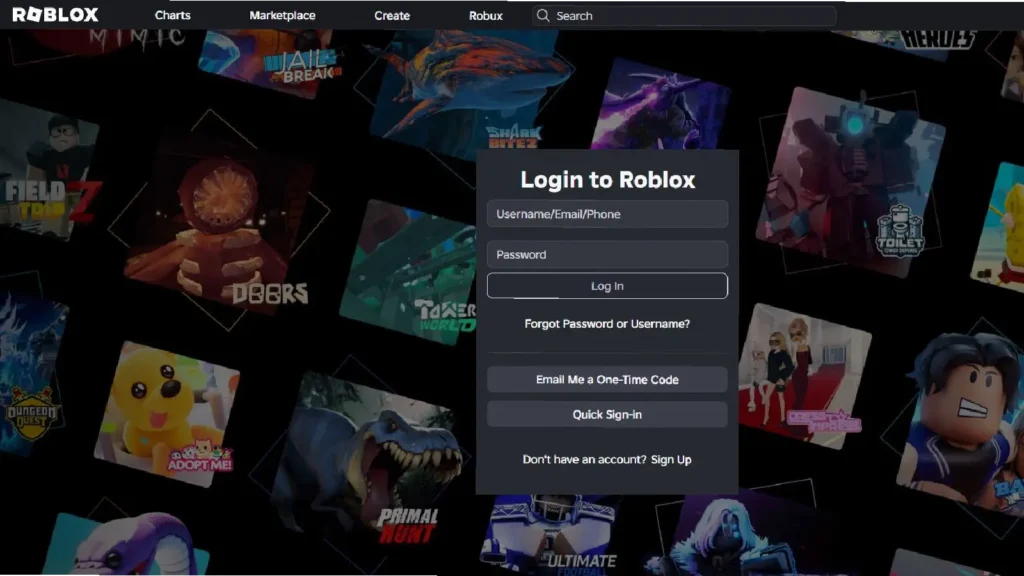
The most common method. Works on any browser or the Roblox app.
On browser (roblox.com):
- Go to roblox.com
- Enter your Username or Email address
- Enter your Password → click Log In
- If 2-Step Verification is enabled, enter the one-time code sent to your email
On the Roblox app (Android/iOS):
- Open the Roblox app → tap Log In
- Enter username or email + password → tap Log In
- Complete 2SV if prompted
In our testing, typing your username rather than your full email is faster on mobile — shorter to type and avoids autocorrect changing your email address mid-login.
Method 2 — Roblox QR Code Login
Log in on a new device by scanning a code from a device already logged in. No password typing required.
Requirement: One device must already be logged in to your account.
- On your logged-in device: open Roblox app → Menu → Settings → QR Code Login
- A QR code displays on screen
- On the new device: open Roblox → Log In → Scan QR Code
- Scan the code shown on your first device
- Confirm the login on the first device when prompted
Useful when switching phones, logging in on a family tablet, or when you can’t remember your password but have another device still logged in.
Method 3 — Roblox Quick Sign-In (6-Digit Code)
Generates a short code on one device to log in on another — designed for smart TVs, consoles, and devices where typing a full password is awkward.
- On your logged-in device: open Roblox → Settings → Quick Sign-In
- A 6-digit code appears — expires within a few minutes
- On the second device: go to roblox.com/login → select “Use a code”
- Enter the 6-digit code — you’re logged in
Especially useful for PH players gaming on a shared family TV or logging into a second phone quickly.
Method 4 — Google or Apple Sign-In
If your Roblox account was originally created with Google or Apple, you can log in without a password.
- Go to roblox.com/login or open the Roblox app
- Tap Continue with Google or Continue with Apple
- Select your account — done, no password needed
This only works if your account was originally linked to Google or Apple at creation. Whether existing accounts can link retroactively.
Roblox Forgot Password: How to Reset Your Password (Step-by-Step)
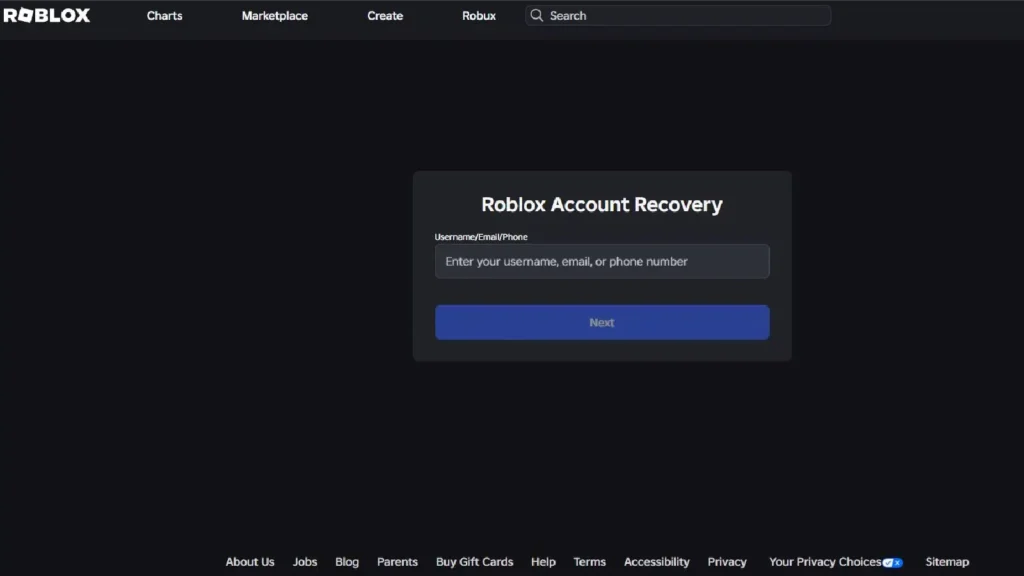
- Go to roblox.com/login
- Click “Forgot Password or Username?”
- Enter the email address registered to your Roblox account
- Check your inbox — and spam/junk folder — for a reset email from Roblox
- Click the reset link immediately — it expires quickly
- Enter your new password twice and save
- Log in with your username and new password
Forgot your username too? Enter your email on the same page — Roblox sends your username in the same email as the reset link.
Roblox Account Recovery 2026 — Lost Email or Can’t Log In
No email access is the hardest situation — and the most common one for PH players with older accounts.
- Go to roblox.com/support
- Select “Can’t log in to account”
- Provide as much detail as possible:
- Your Roblox username
- Approximate account creation date
- Any Robux purchase history — even a small top-up is strong proof of ownership
- The device and platform you originally used
- Any previous passwords you remember
- Submit — Roblox Support typically responds within 2–7 business days
(see our full guide on how to submit a Roblox support ticket)
What improves your chances:
- Original payment method used to buy Robux
- Knowledge of friends list, game history, or group memberships on the account
- General location or region you played from
What won’t work:
- “I know my old password” alone — Roblox needs corroborating account evidence, not just a credential
- Having friends contact support on your behalf — only account-level proof is accepted
In our experience helping Filipino players through account recovery, the most common reason it fails is that no email was ever added to the account. If you have any Robux purchase history at all, that becomes your strongest proof of ownership — even a single small top-up significantly improves your case.
Roblox Account Hacked — What to Do Immediately
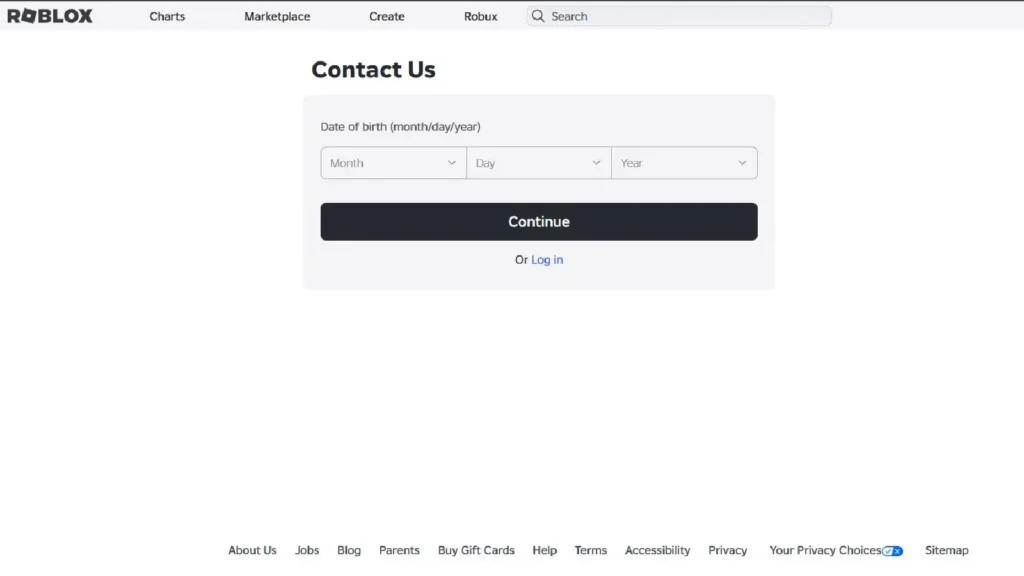
- Go to roblox.com/support → “Account was hacked” — do this first
- If you can still log in: Settings → Security → change your password → Log Out of All Sessions
- Enable 2-Step Verification immediately if it wasn’t already on
- Change your email account password too — most Roblox breaches start with a compromised email
- Settings → Security → Connected Apps — remove any unfamiliar third-party connections
- Report unauthorized Robux spending — Roblox may be able to reverse transactions in verified hack cases [VERIFY current reversal policy at publish]
Act as fast as possible. The sooner you report, the more Roblox can investigate and potentially restore.
(see our full guide on how to submit a Roblox support ticket)
Common Login Errors and Fixes
“Incorrect username or password”
Check caps lock. Try your email instead of your username, or vice versa. If genuinely forgotten, use the reset flow above.
“Too many failed attempts”
Temporary lockout — wait 15–30 minutes before retrying. Continuing to attempt during the lockout period extends it.
Stuck in 2-Step Verification with no email access
Requires a support ticket: roblox.com/support → “Can’t complete 2-step verification.”
Roblox app stuck on loading or login screen (Android)
Settings → Apps → Roblox → Storage → Clear Cache. If that doesn’t work, uninstall and reinstall the app.
“Your account has been moderated”
This is a separate account action, not a login error. Appeal at roblox.com/support → “Account moderation.”
Login works on browser but not the app
Settings → Security → Log Out of All Sessions → log back in fresh on your preferred device.
(see our full guide on how to submit a Roblox support ticket)
How to Secure Your Roblox Account (Prevent Future Lockouts)
Do these now — before something goes wrong:
- Add your email address — Settings → Account Info → add and verify. This is the single most important step.
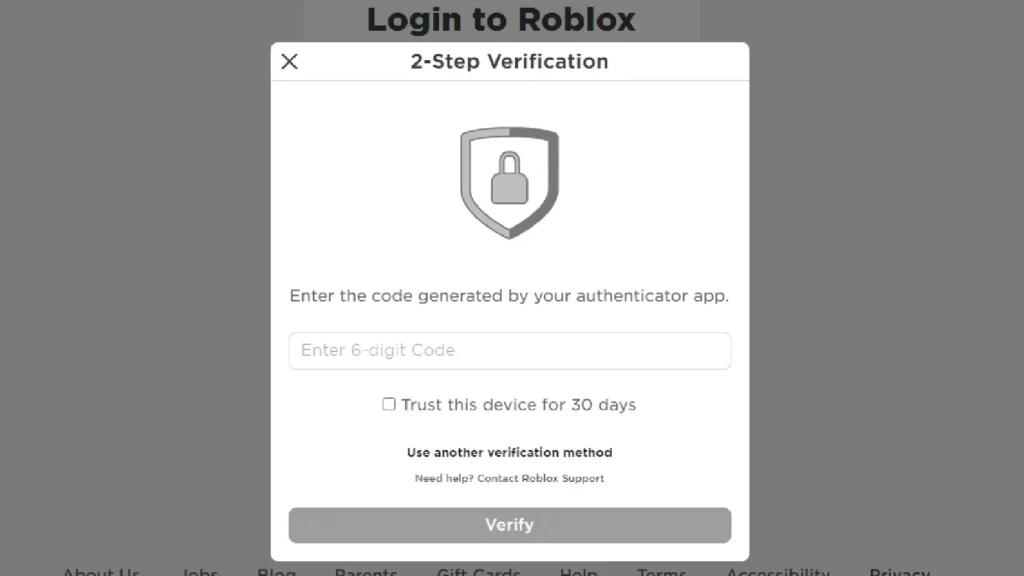
- Enable 2-Step Verification — Settings → Security → 2SV → Email or Authenticator App
- Set an Account PIN — Settings → Security → Account PIN — blocks setting changes even if someone else knows your password
- Use a strong, unique password — not shared with your email, social media, or any other game account
- Audit connected apps — Settings → Security → remove anything you don’t recognize
We found that almost every player who gets permanently locked out skipped step one. Adding an email takes 30 seconds. Do it before you close this tab.
Frequently Asked Questions
Can I log in to Roblox without a password?
Yes — via QR code login (requires another logged-in device), Quick Sign-In 6-digit code, or Google/Apple sign-in if your account was originally created that way.
How long does the Roblox password reset link last?
It expires quickly — open your email immediately after requesting the reset and click the link right away.
Roblox says my email doesn’t exist — what now?
Try every email you’ve ever used. If none work, no email may have been added to the account. Go to roblox.com/support and file a recovery request.
Can Roblox Support recover my account if I never added an email?
Possibly — billing history, original device info, and other account details all help. Fill out the support form with everything you can remember.
What do I do if my Roblox account was hacked?
Go immediately to roblox.com/support → “Account was hacked.” If you can still log in, change your password and revoke all sessions first, then file the report.
My child’s Roblox account is locked — what do I do?
Use the parent or guardian email registered to the account for the standard password reset. If that email is also lost, contact Roblox Support with parental proof of identity.
