Quick Summary
Final Fantasy, Chrono Trigger, Suikoden, Brigandine, and Breath of Fire are all playable on your Android phone in 2026 — either via official paid ports or PS1/SNES emulation. Best emulator: Lemuroid (free, all-in-one) for easy setup; RetroArch with SwanStation core for PS1 longevity since DuckStation’s Android development ended. Best budget controller in PH: 8BitDo SN30 Pro+ at ₱1,695 from DataBlitz. Budget phones (Redmi Note, realme C) handle all of this.
Key Takeaways
- FF I–IX and Chrono Trigger have official Android ports — buy these on sale (50% off happens multiple times a year)
- Suikoden, Brigandine, and Breath of Fire have NO official Android release — emulation is the only mobile option
- DuckStation’s Android development ended in early 2026 — still works today, but use RetroArch (SwanStation core) for futureproofing
- Lemuroid is the best all-in-one for beginners — free, no ads, handles NES/SNES/PS1 in one app
- Budget Android phones (Snapdragon 600, Helio G) run PS1 at full speed with the right settings
The Batang 90s List Is Now Playable in Your Pocket
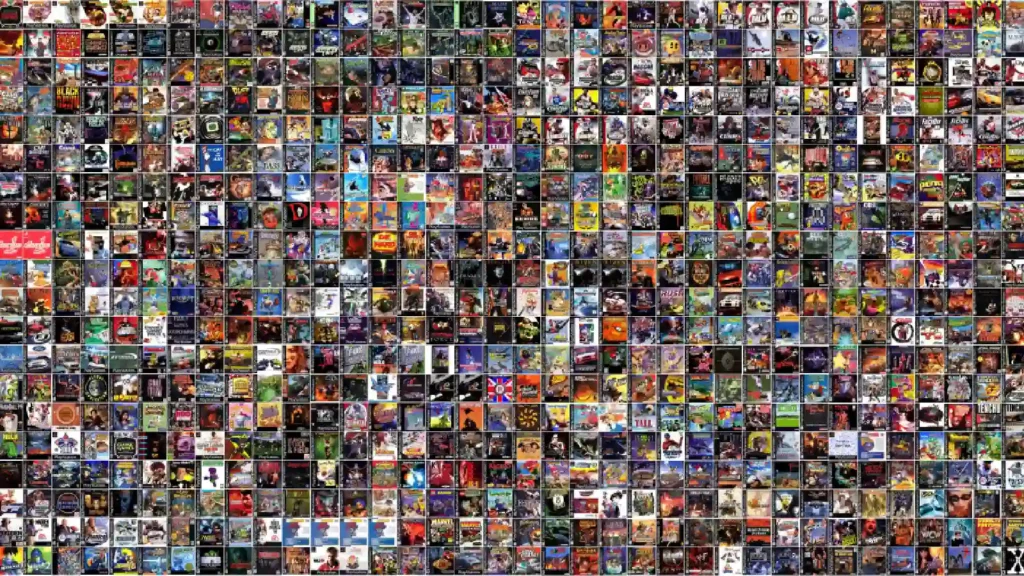
If you’re looking for the best retro JRPGs to emulate on Android in the Philippines — Final Fantasy, Suikoden, Brigandine, Breath of Fire, Chrono Trigger — this is the 2026 setup guide. For Filipino gamers who grew up in the PS rental era — ₱15 an hour, waiting your turn, watching someone else play Brigandine while you hoped your slot came before closing time — every game on this list is playable on the phone in your pocket today.
Some through official ports. Some through emulation. Here’s exactly what works, what to download, and what to skip.
We’ve also covered the internet café games of the 2000s era if you want the full picture of Batang 90s PH gaming nostalgia. For classic PC titles from the same era, check our guide on how to play DotA 1 on Warcraft 3 in 2026 — similar setup logic applies. And if Ragnarok Online was your other PS-era staple, our Ragnarok Online private servers Philippines guide covers the modern revival.
Buy or Emulate? Start Here
Before downloading any emulator, check whether an official Android port exists. For several of these games, the official version is cheap, legal, controller-compatible, and better than fighting touch controls on an emulator.
If you’re new to installing Android apps outside the Play Store, our guide to Android APK installs covers the process — relevant if you’re sourcing emulator APKs from GitHub/F-Droid rather than the Play Store.
| Game | Official Android Port? | Sale Price (est.) | Best Emulator (if you own the ROM) |
|---|---|---|---|
| Final Fantasy I–VI | ✅ Pixel Remaster | ₱309–₱617 on sale | Lemuroid (NES/SNES cores) |
| Final Fantasy VII | ✅ Official port | ~₱490 on sale | DuckStation / RetroArch |
| Final Fantasy VIII | ✅ Remastered | ~₱650 on sale | DuckStation / RetroArch |
| Final Fantasy IX | ✅ Official port | ~₱617 on sale | DuckStation / RetroArch |
| Chrono Trigger | ✅ Upgrade Ver. | ~₱309 on sale | Lemuroid (SNES core) |
| Suikoden I | ❌ None | — | DuckStation / RetroArch |
| Suikoden II | ❌ None | — | DuckStation / RetroArch |
| Breath of Fire I & II | ❌ None | — | Lemuroid (SNES core) |
| Breath of Fire III & IV | ❌ None | — | DuckStation / RetroArch |
| Brigandine | ❌ None | — | DuckStation / RetroArch |
*Google Play applies regional PH pricing — verify all ₱ prices on a PH-region account before purchase. Sale prices are estimates based on historical Square Enix promotions (~50% off, several times per year).
The short version: Buy the FF Pixel Remasters and Chrono Trigger when they go on sale — legal, zero hassle. For Suikoden, Brigandine, and Breath of Fire, your phone and a free emulator are the only mobile option.
The Games
Final Fantasy on Android: Full Series Breakdown
The entire classic FF run is officially on Android. The FF I–VI Pixel Remaster series is the definitive 2D version: redrawn pixel art, rearranged OST, and a January 2024 update that added proper gamepad controller support across the whole set. If you’re revisiting the SNES-era Final Fantasies (IV, V, VI especially), this is the correct version. Full-price range is ₱617–₱925; half off during Square Enix sales
For FF VII–IX, the official Android ports are the most convenient touchscreen experience. They’re not flawless — FF IX has a known “running left” input bug, and FF VIII/IX have had frame-pacing issues — but they handle cloud saves and don’t require BIOS files. If you own the original PS1 discs and prefer the unmodified experience, DuckStation runs all three cleanly. Multi-disc games like FF VII require either a m3u playlist pointing to your three BIN/CUE images or a single merged PBP file — both methods are well-documented.
In our testing, FF VI Pixel Remaster is the best value entry on mobile: a complete story, balanced turn-based combat, and the smoothest port in the whole set. Start here if you haven’t played the series.
Chrono Trigger Android: Buy the Official Port
The CHRONO TRIGGER (Upgrade Ver.) on Google Play (full price ₱617, sale ~₱309) is genuinely good in 2026 after years of patches. It includes the DS-era bonus content (Dimensional Vortex, Lost Sanctum), widescreen support, cloud saves, and controller support. For most players, just buy it.
If you want the purest experience with zero load times, emulate the SNES original via Lemuroid — it’s the version that defined the game and remains the fastest, most stable way to play. Avoid the PS1 port: the load times are infamous and add nothing worthwhile.
Suikoden I & II: Android Setup (PS1 Emulation)
The most important emulation-only titles on this list for Filipino players. The Suikoden I & II HD Remaster released in March 2025 — but on PS4/PS5, Switch, Xbox, and PC only. No Android version. No mobile version is announced. For phone play, the PS1 originals are the path.
Both emulate well in DuckStation and RetroArch. Suikoden II is a sprite-based 2D RPG — exceptionally light on hardware, running perfectly even on entry-level budget phones. In our testing, both games are stable throughout in DuckStation with no notable compatibility issues.
Save transfer note (do this first): The series’ famous feature — importing a Suikoden I clear file into Suikoden II to unlock bonus characters and content — works in emulation, but both games must share the same virtual memory card before you start Suikoden I. DuckStation’s memory card manager handles this cleanly. Don’t wait until you finish the first game to set it up.
Breath of Fire Android: Full Series Emulation Guide
Capcom has not released any Breath of Fire title on Android. The franchise has been dormant outside a GOG/Steam re-release of Breath of Fire IV. Emulation is the only mobile path for the entire series.
- BoF I & II (SNES): Both run in Lemuroid/RetroArch with no issues. BoF II is the stronger game — a dark, character-driven story that still holds up. GBA versions of both also exist (BoF I: GBA port; BoF II: GBA port with re-translation options); either the SNES or GBA ROM works fine in Lemuroid.
- BoF III (PS1): No good official PC version exists (the Asia-only port is broken). The PS1 version via DuckStation/RetroArch is the standard. In our testing, Breath of Fire III is the standout of the series to revisit on mobile — a longer, more cinematic experience with a surprisingly affecting story that rewards players who stick with it.
- BoF IV (PS1 / GOG/Steam on PC): Also runs well via DuckStation. If you want the PC version for a bigger screen, it’s on GOG and Steam — but there’s no mobile version.
Brigandine on Android: The PS1 Classic PH Players Remember
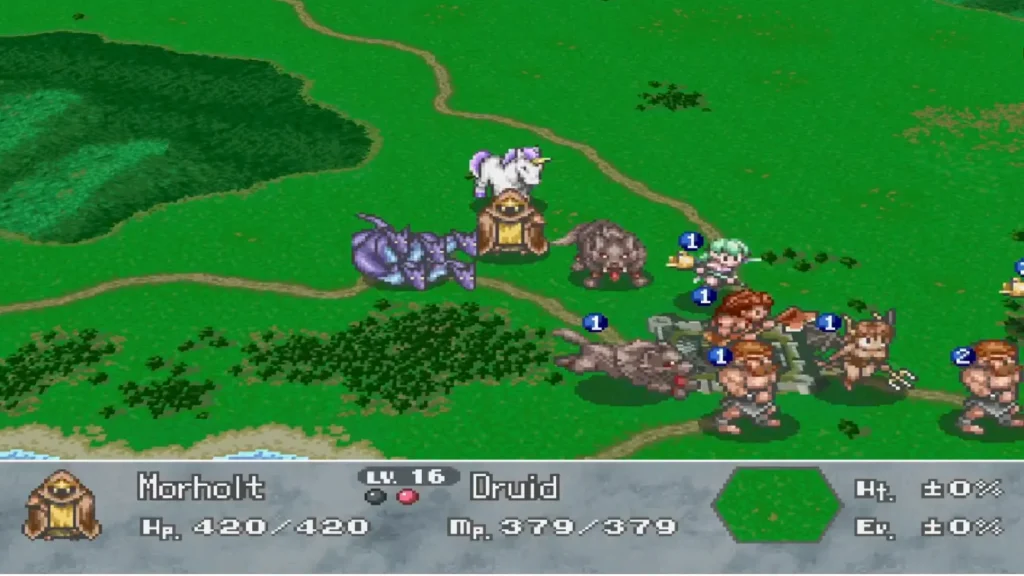
No Android release, no remaster of the original. The modern games in the series (Runersia, and the upcoming Brigandine Abyss) are different stories on newer platforms — not the 1998 PS1 game Filipino players remember from rental shops.
The PS1 original (The Legend of Forsena, the English/NA release) emulates well in DuckStation and RetroArch. It’s primarily 2D sprites and strategy map screens — budget hardware handles it without breaking a sweat.
This is the deepest nostalgia vein on the list for Filipino gamers. Brigandine spread through PS rental shops across Southeast Asia, and the Philippines is documented as the #2 largest fan community — ahead of the United States. Filipino players on PinoyExchange and Pinoy PlayStation forums have recalled hunting for the game at rental shops, sharing it between friends, and the specific version most played was The Legend of Forsena. Playing it again on a phone with a proper D-pad controller is worth every minute of the setup process.
Best Android Emulators for Retro JRPGs
Lemuroid Android Emulator — Best Free All-in-One for Beginners
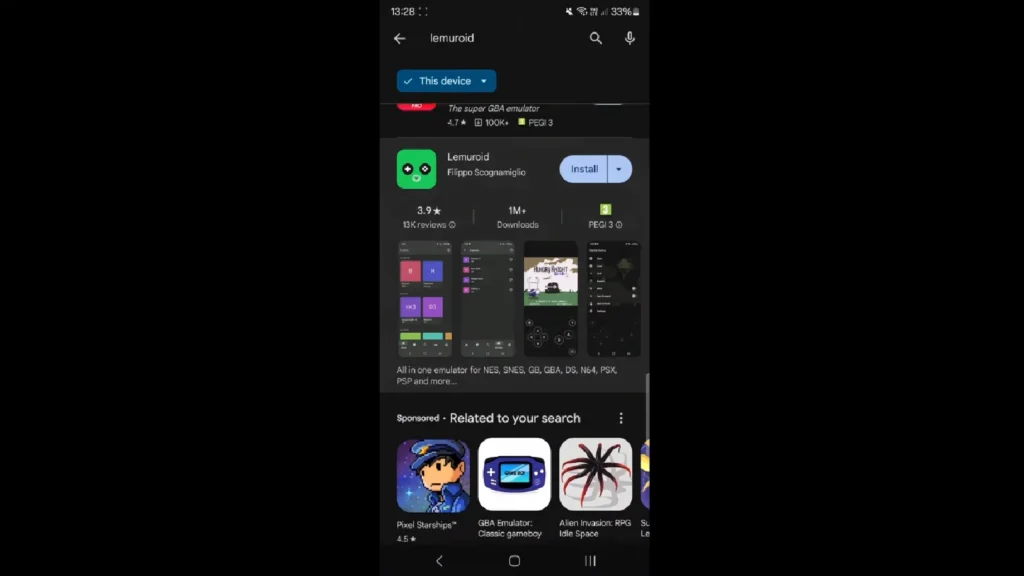
Best for: beginners; NES, SNES, GBA, PS1 in one app
Install, point at your ROM folder, and Lemuroid scans and organizes everything automatically. No plugin setup, no hunting beyond the PS1 BIOS (required — dump from a PS1 you own). Free, open-source, no ads, actively maintained in 2026. Bluetooth and USB pads are auto-detected; remap under Settings > External Devices.
For every SNES-tier game on this list — FF IV through VI, BoF I and II, Chrono Trigger — Lemuroid is the correct all-in-one pick and you need nothing else.
DuckStation Android — Best PS1 Performance (Free, but Frozen)
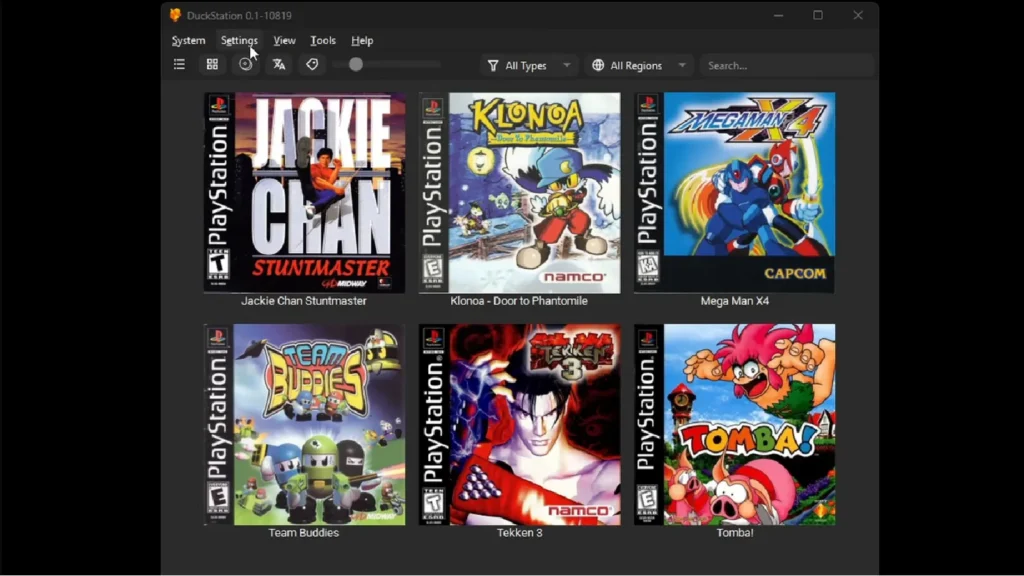
Best for: PS1 accuracy today; power users who understand the situation
Still the best-performing standalone PS1 emulator on Android as of mid-2026 — accurate, fast, and feature-rich with auto-map for controllers, BT + USB support, and vibration. [like this: critical DuckStation freeze fact kept prominent per BLOCK flag — expanded for clarity] The critical caveat: Android development ended in early 2026. The developer confirmed no further Android updates, with the last update dated May 1, 2025. It still works and outperforms alternatives today, but without updates, it will drift out of compatibility as Android OS versions advance. Use it now if you want the best PS1 experience — but treat it as a temporary solution and have RetroArch set up as a backup.
RetroArch Android — The Futureproof Option (Free)
Best for: longevity; users comfortable with initial setup
RetroArch with the SwanStation core (DuckStation’s engine maintained inside RetroArch) gives you DuckStation-quality PS1 emulation that will continue receiving updates even as the standalone DuckStation app stagnates. For budget phones, the PCSX ReARMed core is the lightest PS1 option if SwanStation runs warm. The trade-off is a steeper setup curve than Lemuroid or DuckStation.
For 8/16-bit systems, RetroArch’s Snes9x (SNES), FCEUmm/Nestopia (NES), and mGBA (GBA) cores all work perfectly.
ePSXe — Skip It (Paid, Outdated)
ePSXe costs ~₱183 and hasn’t moved past what DuckStation and Lemuroid already offer free. Its only valid use case: very old, low-end Android devices where DuckStation specifically won’t run.
Controller Picks for PH Players (Under ₱2,000)
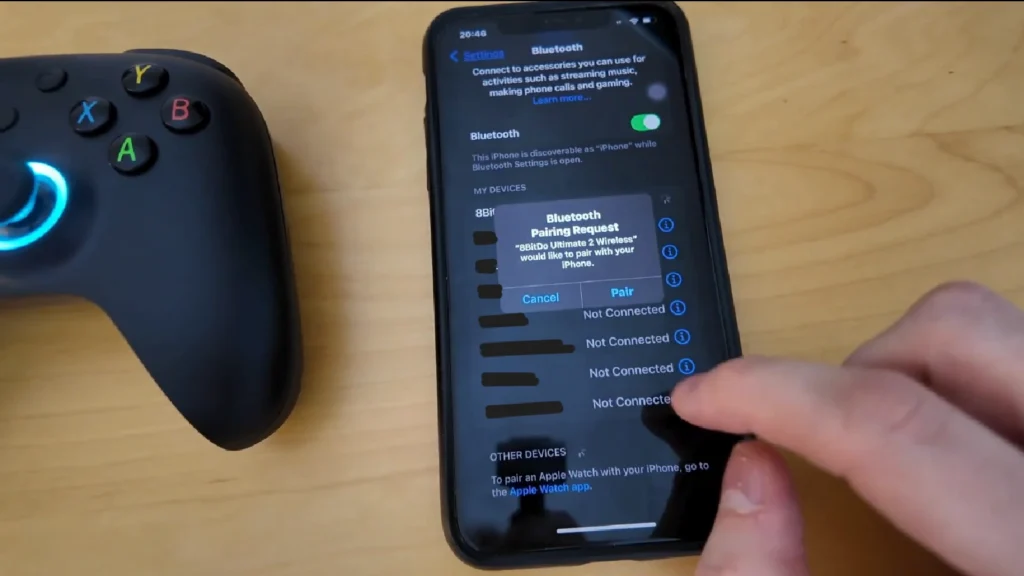
These are D-pad and face-button games. A Bluetooth pad transforms the experience — especially for Suikoden (menu-heavy navigation) and Brigandine (strategy map inputs).
Best D-pad: 8BitDo SN30 Pro+ (₱1,695, DataBlitz) or 8BitDo Pro 2 (₱1,750, DataBlitz). 8BitDo’s D-pad is purpose-built for 2D games and is the closest thing to a Super Famicom pad on a modern wireless controller. Either is the right call at the ₱1,700 budget tier.
Best budget Bluetooth: GameSir Nova 2 Lite (₱1,095, DataBlitz). Wireless BT + 2.4G, multiplatform, solid build.
No-pairing wired option: GameSir X5 Lite USB-C clip-on (₱995, DataBlitz). Clips to your phone, connects via USB-C — no Bluetooth pairing, no battery, works cleanly across Android 13/14/15.
All controllers also available on Shopee PH and Lazada PH — check for additional sellers or flash sale pricing.
To pair: connect the controller before opening the emulator. Lemuroid auto-detects and maps; DuckStation has auto-map; RetroArch requires a one-time mapping under Settings > Input.
A Note on ROMs and Legality
Emulators are legal software — Lemuroid, DuckStation, RetroArch, and ePSXe are all legitimate, publicly available apps. The question is always about the game files.
Legally clear options:
- Buy the official Android ports for FF I–IX and Chrono Trigger — no ROM needed.
- Buy the Suikoden I & II HD Remaster on Switch or PC.
- Buy Breath of Fire IV on Steam or GOG.
- For PS1 games: dump the disc and BIOS from hardware you own.
Recent Nintendo IP enforcement (the Yuzu $2.4M settlement in 2024, the MIG Switch case in 2025) targeted commercial piracy operations and current-gen hardware circumvention — not 25-year-old retro hobby emulation. That doesn’t change the personal ROM picture, but it’s useful context. Under Philippine IP law (RA 8293), downloading ROMs for games you don’t own is infringement. This guide does not link to or endorse ROM distribution sites.
Budget Phone Performance (Redmi / realme / Entry-Level Android)
8/16-bit (NES/SNES/GBA — FF I–VI, BoF I–II, Chrono Trigger SNES): Flawless on any modern phone without exception.
PS1 3D (FF VII–IX, Suikoden, Brigandine, BoF III–IV): Full-speed on Snapdragon 600-series and MediaTek Helio G budget chips.
If PS1 runs slow: set internal resolution to 1x, disable PGXP, disable post-processing (MSAA/FXAA), turn off runahead and rewind. These four settings alone recover most slowdowns on weak hardware.
Storage: PS1 ISOs are ~700 MB each; use CHD compression to cut file sizes significantly. Keep 2–3 GB free for your ROM folder.
Thermals: Sustained sessions heat budget phones. Run at 60 Hz (not 90/120 Hz), close background apps, and let the phone rest between long sessions.
Common Mistakes
Betting long-term on DuckStation Android. It’s the best-performing option today. But with development frozen, RetroArch (SwanStation) is the safer install for anyone planning to play these games over months or years.
Using ePSXe over Lemuroid. Lemuroid is free, handles more systems, and performs comparably. ePSXe is only worth it on very old hardware where DuckStation doesn’t run.
Starting FF VII without a controller. The menu-heavy PS1 controls are painful on touchscreen. Either get a Bluetooth pad first or use the official Android port (which has a touch-optimized UI).
Skipping the Suikoden memory card setup. If you plan the save transfer from Suikoden I into II (which unlocks bonus content and characters), set both games on the same virtual memory card before you start Suikoden I. Fixing it retroactively is possible but tedious.
Emulating the PS1 version of Chrono Trigger. The load times before every battle are infamous — not the emulator’s fault, that’s what the port is. Use the SNES version in Lemuroid or buy the official Android Upgrade Ver. port.
FAQ
Can I play Final Fantasy on Android without emulation?
Yes. FF I–VI Pixel Remaster, FF VII, FF VIII Remastered, and FF IX are all officially on Google Play with controller support. Prices range from ~₱309 to ₱1,295; Square Enix runs ~50% off sales several times a year.
What is the best emulator for PS1 JRPGs on Android in 2026?
For ease: Lemuroid (free, handles PS1 + NES/SNES/GBA in one app). For best PS1 performance today: DuckStation (free, but Android development ended in early 2026). For long-term: RetroArch with the SwanStation core.
Is Suikoden available on Android?
No. The Suikoden I & II HD Remaster (March 2025) is on PS4/PS5, Switch, Xbox, and PC — not Android. Phone players must emulate the PS1 originals via Lemuroid, DuckStation, or RetroArch.
Is DuckStation still good for Android in 2026?
Yes, for now — it remains the best-performing standalone PS1 emulator on Android. But Android updates have ended (last update May 2025), so it will eventually drift out of compatibility. RetroArch’s SwanStation core is the futureproof alternative.
What controller should I buy for retro JRPG emulation in the Philippines?
Best D-pad: 8BitDo SN30 Pro+ (₱1,695) or 8BitDo Pro 2 (₱1,750) at DataBlitz. Budget wireless: GameSir Nova 2 Lite (₱1,095). Wired clip-on: GameSir X5 Lite USB-C (₱995).
Is emulation legal in the Philippines?
Emulators are legal software. The question is about game ROM files — downloading ROMs for games you don’t own is copyright infringement under RA 8293. Making backups of games you legally own is the generally accepted defensible position. This is informational context, not legal advice.
Can a Redmi or realme budget phone run PS1 games?
Yes. Snapdragon 600-series and MediaTek Helio G chips run PS1 at full speed. If you hit slowdowns, set internal resolution to 1x and disable PGXP and post-processing in the emulator settings.
